GDPR-Compliant Document Sharing: A Practical Guide for SaaS Teams
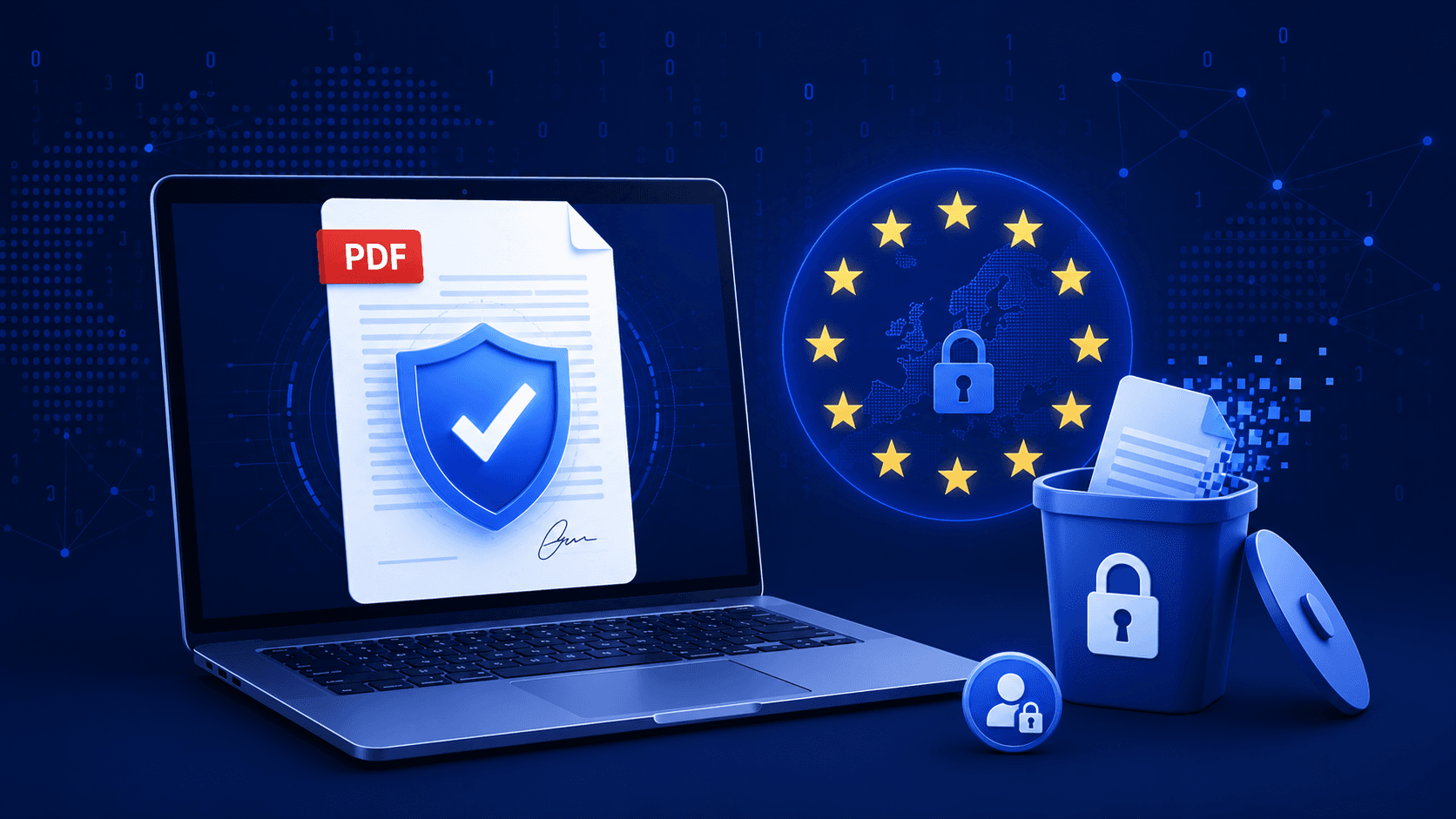
"GDPR-compliant" gets stamped on a lot of document sharing tools without much behind it. If you're sending contracts, resumes, medical records, or financial statements to or from EU data subjects, the label matters — and most of what breaks compliance happens in the parts of the workflow nobody thinks about: the share link, not the storage bucket.
Where Document Sharing Actually Touches GDPR
GDPR applies the moment a document contains personal data — a name, an email, a salary, a health detail — and that document is processed or transferred. Three articles matter most for document sharing specifically:
| GDPR Principle | What It Requires in Practice |
|---|---|
| Art. 5 — Data minimization | Don't collect more than necessary to grant access (e.g. email gates, not full ID verification, for a routine PDF) |
| Art. 17 — Right to erasure | A data subject can request their data be deleted, including any copy sitting in a shared document |
| Art. 32 — Security of processing | Encryption, access controls, and the ability to prove who accessed what and when |
The Mistake Most Teams Make: Treating the File and the Link as Separate
A document stored securely in S3 with encryption at rest is not the same thing as a compliant sharing process. The exposure almost always happens downstream of storage:
❌ Links that never expire
A share link sent for a one-time review is technically still live two years later. If that link contains personal data and nobody remembers it exists, you have an unmanaged, unmonitored copy of regulated data in the wild.
❌ No way to fulfill an erasure request
"Right to be forgotten" doesn't just mean deleting a database row. If a PDF containing someone's personal data is sitting behind five active share links, all five need to stop resolving the moment erasure is actioned — not just the source file.
❌ No record of access, so no way to notify
Article 33 requires notifying affected individuals within 72 hours of discovering a breach that you know about. Without an access log, you can't even establish who was exposed.
Common gap: Teams often satisfy Art. 32 for their database and S3 buckets, then completely ignore the share-link layer — the actual interface through which personal data leaves the organization's control.
What "Compliant" Actually Looks Like for Shared Documents
1. Expiration by Default, Not by Discipline
Every share link should have a default expiration window rather than relying on someone remembering to revoke it. Time-boxing access is the single highest-leverage control for data minimization in a sharing workflow.
2. Erasure That Cascades
When a document is deleted or a data subject's erasure request is fulfilled, every share link pointing to that document should stop resolving immediately — not eventually, via a background cleanup job days later. Soft-deleting the source and invalidating the cached "verify access" response for every associated link is the difference between compliant and merely well-intentioned.
3. An Audit Log That's Actually Queryable
Not just "a view happened," but: which email/IP accessed which document version, at what timestamp, and whether they downloaded or only viewed it. This is what turns a breach notification from "we're not sure" into a defensible, scoped disclosure.
4. Data Residency, When It's Required
Some contracts and some categories of data (health, financial, minors) require storage to stay within a jurisdiction. If your storage layer can't guarantee EU data stays on EU infrastructure, that's a conversation to have with legal before it's a conversation to have with a regulator.
5. Access Gates That Match the Sensitivity, Not More
Don't require a full identity check to view a routine invoice — that's over-collection, and Article 5 penalizes it too. Match the gate to the risk: email verification for most business documents, password protection for anything higher-stakes, and reserve heavier verification for genuinely sensitive categories.
A Practical Checklist
Use this as a gap check against your current document sharing process — not as a substitute for legal review of your specific data flows.
- ✅ Every share link has an expiration date set at creation, not added later
- ✅ Deleting a document invalidates every link pointing to it, immediately
- ✅ You can answer "who accessed this document, and when" without digging through raw logs
- ✅ Access gates (password/email) are proportionate to the sensitivity of the document
- ✅ You know, concretely, where the underlying files are stored geographically
- ✅ There's a documented retention period after which documents and their links are purged automatically
Where Most SaaS Teams Get Tripped Up
It's rarely the encryption. Most vendors get TLS in transit and AES at rest right by default. The gap is almost always lifecycle management — links that outlive their purpose, deletions that don't cascade to every copy, and audit trails that exist but aren't structured to answer a regulator's actual question fast enough.
Conclusion
GDPR-compliant document sharing isn't a checkbox on a vendor's marketing page — it's a property of the whole lifecycle: creation, access, expiration, and erasure, all logged and all enforceable without manual intervention. If any of those steps depends on someone remembering to do something, it isn't compliant, it's hopeful.
Build compliance into the workflow, not into someone's calendar reminder. PdfWarden share links support expiration, password protection, and per-view audit logs out of the box. Start free or talk to our team about your specific data residency requirements.
Advertisement
Share this article
Ready to share documents securely?
Upload your first PDF, create a secure share link with custom access rules, and track every view in real-time.
Start Sharing Securely