Password vs. Email Gate vs. Watermark: Choosing the Right Access Control for Each Document
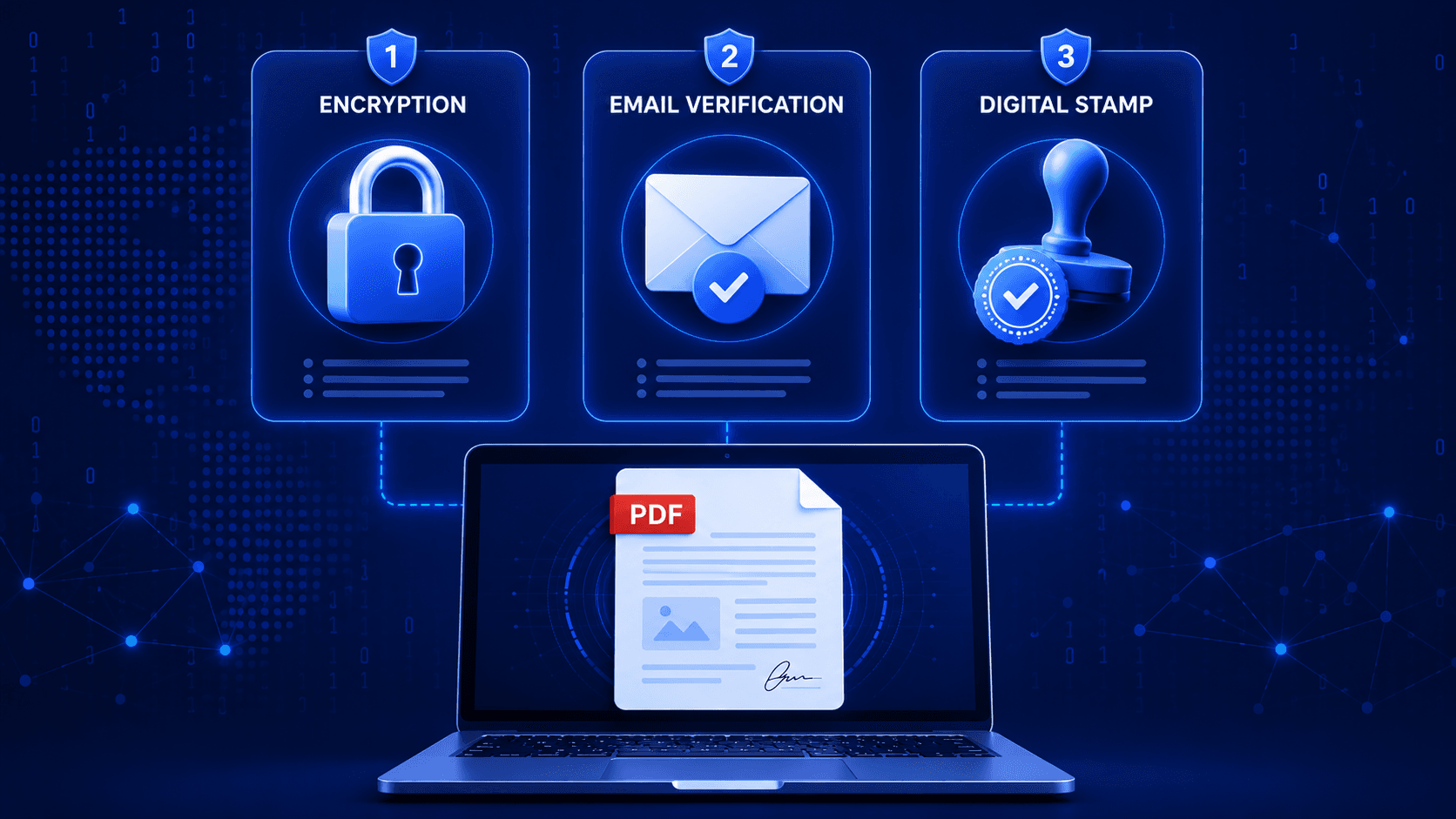
Most document sharing tools give you three access controls — password, email gate, watermark — and leave it up to you to figure out which one to use, and when. They solve different problems. Using the wrong one, or none at all, is one of the most common (and most avoidable) mistakes in sharing sensitive documents.
The Core Distinction: Keeping People Out vs. Knowing Who's In vs. Deterring After the Fact
Before picking a control, it helps to separate what each one actually does:
| Control | What It Actually Solves | What It Doesn't Solve |
|---|---|---|
| Password | Stops anyone without the credential from opening the document at all | Doesn't tell you who opened it — a shared password is invisible |
| Email verification | Confirms the identity of the specific viewer before granting access | Doesn't stop a verified viewer from forwarding or screenshotting |
| Watermark | Deters and traces leaks after legitimate access is granted | Doesn't prevent access in the first place |
These three aren't competing options — they're layers. Most genuinely sensitive documents warrant more than one at once.
When to Use Password Protection
Password protection is the right call when the barrier itself is the point — you want a hard stop for anyone who doesn't have the credential, and you're comfortable sharing that credential out-of-band (a phone call, a separate email, a Slack DM).
Good fits:
- A term sheet shared with a small, known group who all get the password separately
- A document that needs to survive being forwarded within an authorized group (e.g., a legal team)
- Any case where you want zero-friction revocation — change the password, old links stop working instantly
Weak fit: Large or open-ended audiences. Passwords get shared informally, and once that happens you've lost the ability to know who's actually behind each view.
When to Use Email Verification
Email gates trade a bit of friction for identity — the viewer has to prove they're actually the person you intended to grant access to, typically via a magic-link or one-time code sent to a specific address.
Good fits:
- Recruiting: confirming the resume viewer is the intended hiring manager, not a screenshot forwarded around
- Sales proposals: knowing exactly which stakeholder at a prospect account actually opened the deck
- Any document where "who looked at this and when" is itself valuable data, not just a security nicety
Weak fit: Fully public documents (marketing collateral, published reports) where identity verification just adds friction with no payoff.
When to Use Watermarking
Watermarking doesn't stop access — it changes the incentive calculus for someone who already has it. A visible, per-viewer watermark (name, email, timestamp, sometimes IP) turns an anonymous leak into a traceable one.
Static watermarks are close to useless. "CONFIDENTIAL — DO NOT DISTRIBUTE" stamped on every copy identically doesn't trace back to anyone. A dynamic watermark — unique per viewer — is what actually creates accountability.
Good fits:
- Cap tables, financial models, and other documents where a leak needs a traceable source
- Documents shared with parties who are, functionally, competitors of each other (multiple bidders, multiple candidates)
- Anything where the deterrent effect matters as much as the technical barrier
Weak fit: Internal documents shared only with fully trusted parties — the deterrence isn't buying you much if leaking was never a realistic risk.
Stacking Controls for Genuinely Sensitive Documents
For the documents that actually matter — a term sheet, a due diligence file, a cap table — the answer is usually all three at once:
- Password to keep the door shut to anyone outside the intended group
- Email verification to know exactly who walked through it
- Dynamic watermark so that if a copy leaks anyway, it traces back to a specific viewer
This layered approach is exactly what shows up in higher-stakes use cases like VC due diligence and law firm client files — the pattern repeats because the underlying problem (controlled, traceable access to sensitive material) repeats.
A Simple Decision Framework
Ask three questions about the document you're about to share:
- Would it matter if the wrong person opened it at all? → Add a password.
- Would it matter if you couldn't identify who viewed it? → Add an email gate.
- Would it matter if a copy leaked and you couldn't trace the source? → Add a watermark.
If you answered yes to all three, use all three. If you answered no to all three, you probably don't need any gate — and adding one anyway just adds friction for no security benefit.
Conclusion
Access control isn't one setting — it's three different tools solving three different problems: keeping people out, knowing who got in, and deterring what happens after. Matching the control to the actual risk of the document, rather than defaulting to "on" or "off" for everything, is what separates security theater from security that actually holds up.
Layer your access controls instead of guessing. PdfWarden supports password protection, email verification, and dynamic watermarking on the same link. Start free and try combining them on your next sensitive share.
Advertisement
Share this article
Ready to share documents securely?
Upload your first PDF, create a secure share link with custom access rules, and track every view in real-time.
Start Sharing Securely