How AI Document Q&A Turns Static PDFs Into Interactive Conversations
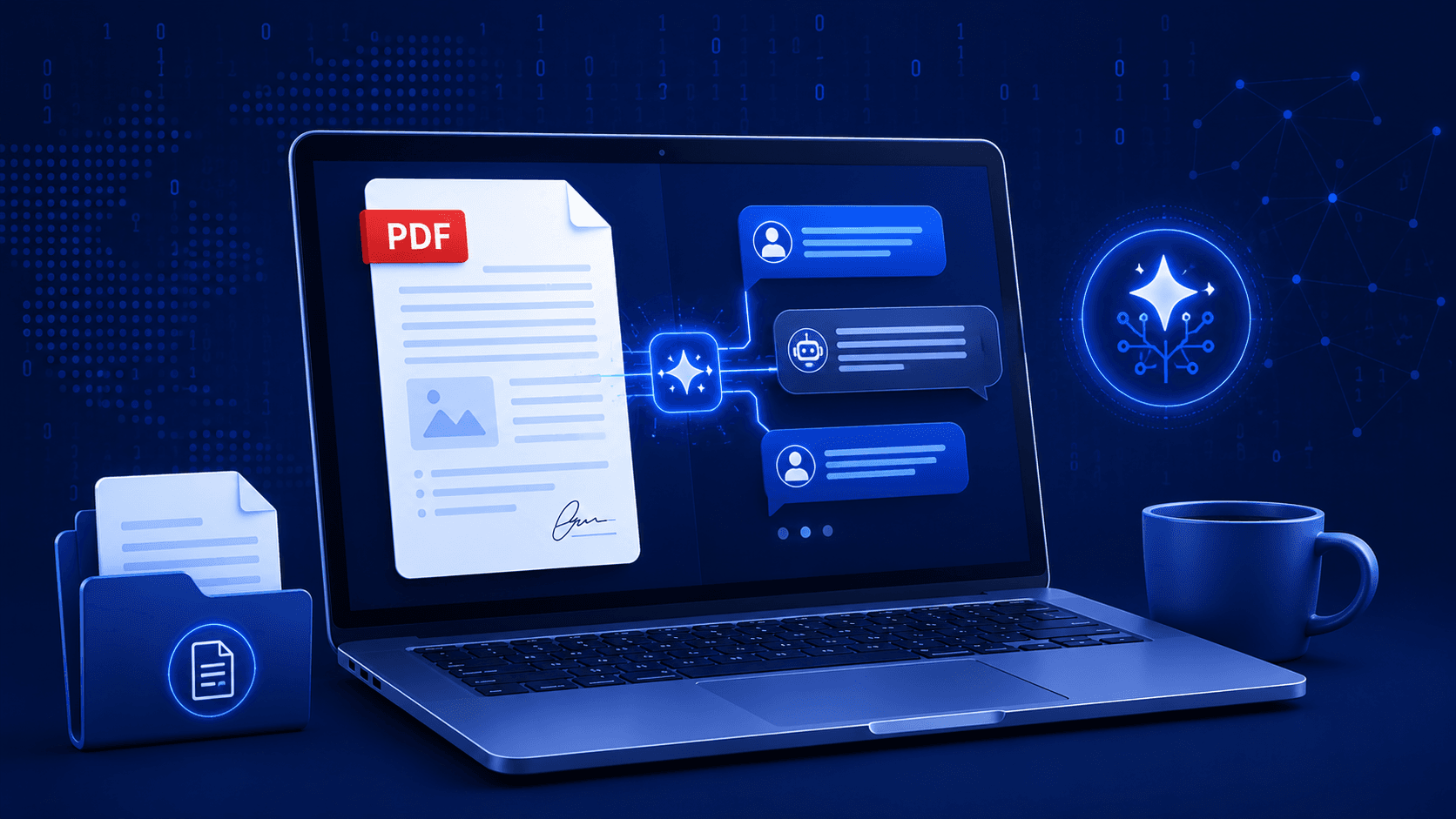
A 40-page contract, investment memo, or research report gets skimmed, not read. Reviewers jump to the sections they think matter and miss the rest — which is exactly how important clauses get overlooked. AI Document Q&A exists to close that gap: instead of scrolling and searching, a viewer can just ask the document a question.
What It Actually Is
AI Q&A is a chat interface layered on top of a shared PDF. A viewer types a question — "what's the termination clause," "what were Q3's churn numbers" — and gets an answer sourced directly from the document's content, not a generic model guess.
It's opt-in per share link, not a global setting. A document owner decides, link by link, whether AI Q&A is worth enabling — because turning it on triggers real processing work behind the scenes.
Why It's Not On By Default
It would be simple to extract and index every uploaded PDF automatically. We deliberately don't, for two reasons:
1. Most documents are never queried this way
The majority of uploads are shared, viewed once or twice, and archived. Running extraction on every single upload — regardless of whether anyone will ever ask it a question — is pure database bloat for no benefit.
2. Extraction has a real processing cost
Turning a PDF into something a language model can search over isn't free. It has to happen somewhere, and doing it for every upload rather than every enabled link would multiply that cost by however many documents never actually need the feature.
So the system waits until a link owner explicitly flips enableAiQa on for a specific link. Only then does the pipeline run.
How It Works, Step by Step
1. Extraction, Triggered On-Demand
When AI Q&A is enabled for a link, a background worker runs text extraction against the source PDF (pdf-parse), pulling out the actual text content page by page.
2. Chunking
The extracted text is split into overlapping chunks — small enough to stay relevant to a specific question, large enough to preserve context (a clause split mid-sentence across two chunks answers nothing well). Each chunk is tied back to its source document.
3. Indexing for Fast Retrieval
Chunks are stored in Postgres with GIN indexes for full-text search. When a question comes in, the system doesn't feed the entire document to the model — it retrieves the handful of chunks most relevant to the question first, then hands only those to the model. This keeps answers fast and keeps the model grounded in the actual document instead of hallucinating around gaps.
4. Inference
The relevant chunks plus the viewer's question go to Groq running Llama 3.1, chosen specifically for sub-second inference. A chat UI shouldn't feel like a support ticket — if a viewer has to wait ten seconds per answer, they'll go back to scrolling instead.
Why Groq: for a feature that lives inside a document viewer, response latency matters more than squeezing out marginal quality gains from a larger model. Fast, grounded answers beat slow, exhaustive ones here.
What This Looks Like for Different Roles
| Viewer | Typical Question | Why It Helps |
|---|---|---|
| Investor reviewing a memo | "What's the burn rate assumption in the model?" | Skips hunting through appendices |
| Counsel reviewing a contract | "Is there an auto-renewal clause?" | Surfaces the exact clause instead of a full re-read |
| Recruiter reviewing a resume | "Does this candidate have Kubernetes experience?" | Faster first-pass screening across many resumes |
| Client reviewing a proposal | "What's included in the maintenance tier?" | Reduces back-and-forth email questions |
Who Can Turn It On
AI Q&A sits behind the same plan gating as other premium features — it's tied to the individual's plan, not the team's. A free user working inside a Business team still can't enable it on a document they own, even if the team owner's plan supports it. This is intentional: premium capabilities are an individual upgrade decision, not something inherited just by being on a team.
What It Doesn't Do
Worth being direct about the boundaries:
- It answers from the document's extracted text — it won't reason about information that isn't in the PDF
- It's not a substitute for actually reading a document you're legally or financially responsible for signing off on
- Scanned PDFs with no extractable text layer won't have meaningful chunks to search over
Conclusion
AI Q&A works because it's narrow: extraction happens only when requested, retrieval is grounded in indexed chunks rather than the whole document, and inference is optimized for speed over exhaustive reasoning. The result is a feature that saves a reviewer real time on the documents that actually warrant it, without taxing every document that doesn't.
Try it on your next shared document. Enable AI Q&A on any link from a paid plan and see how it holds up against your own contracts or reports. Explore all features or get started.
Advertisement
Share this article
Ready to share documents securely?
Upload your first PDF, create a secure share link with custom access rules, and track every view in real-time.
Start Sharing Securely